Why download
More than the web tool
The website keeps it simple — one character limit. The app is for when you need more.
Split any way you like
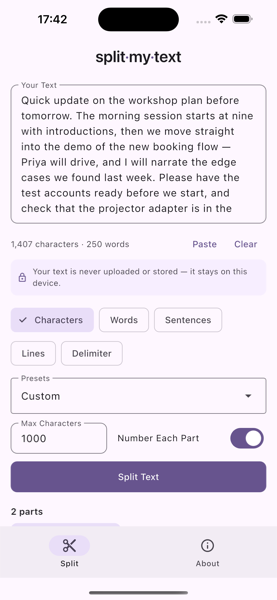
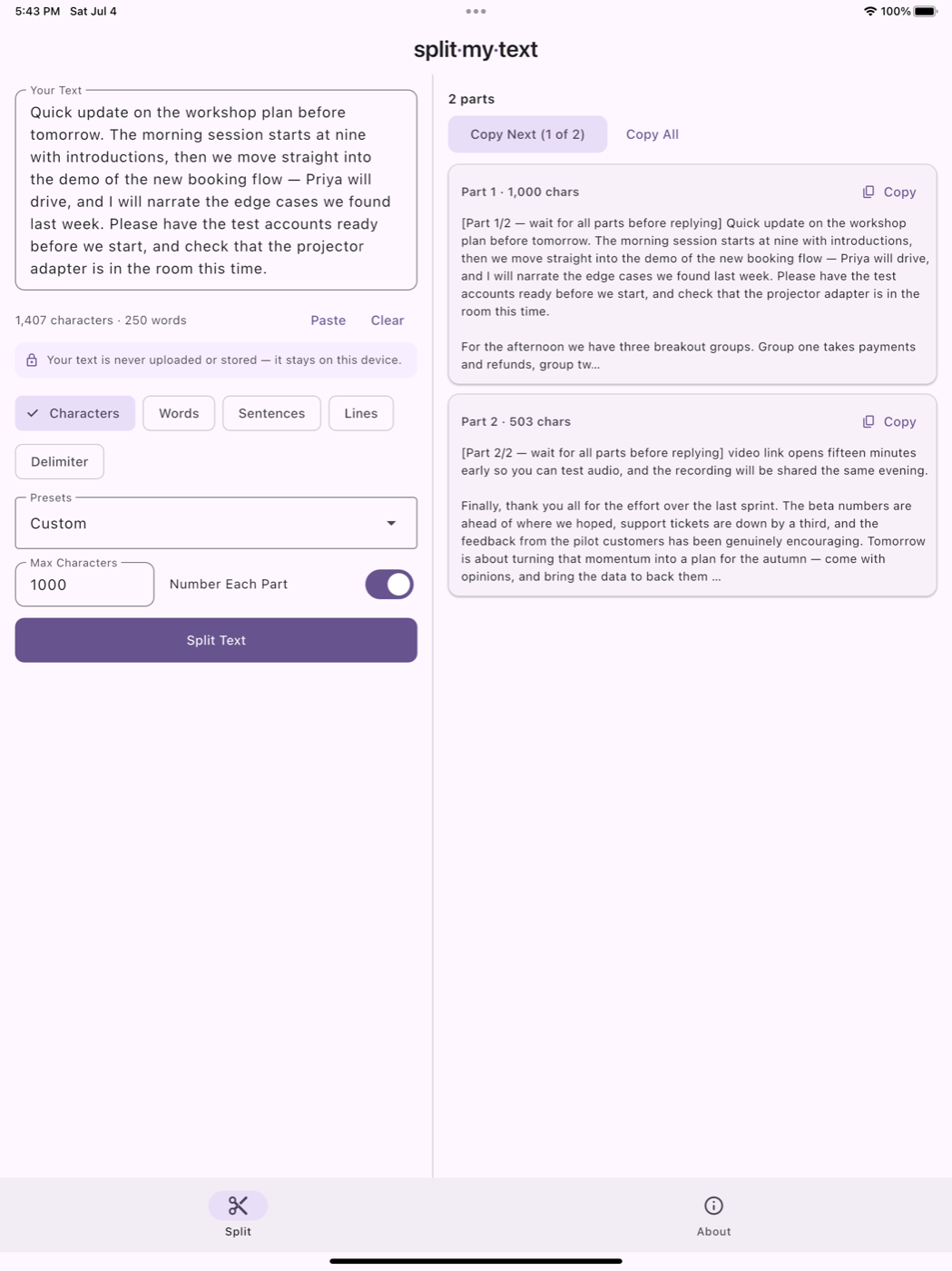
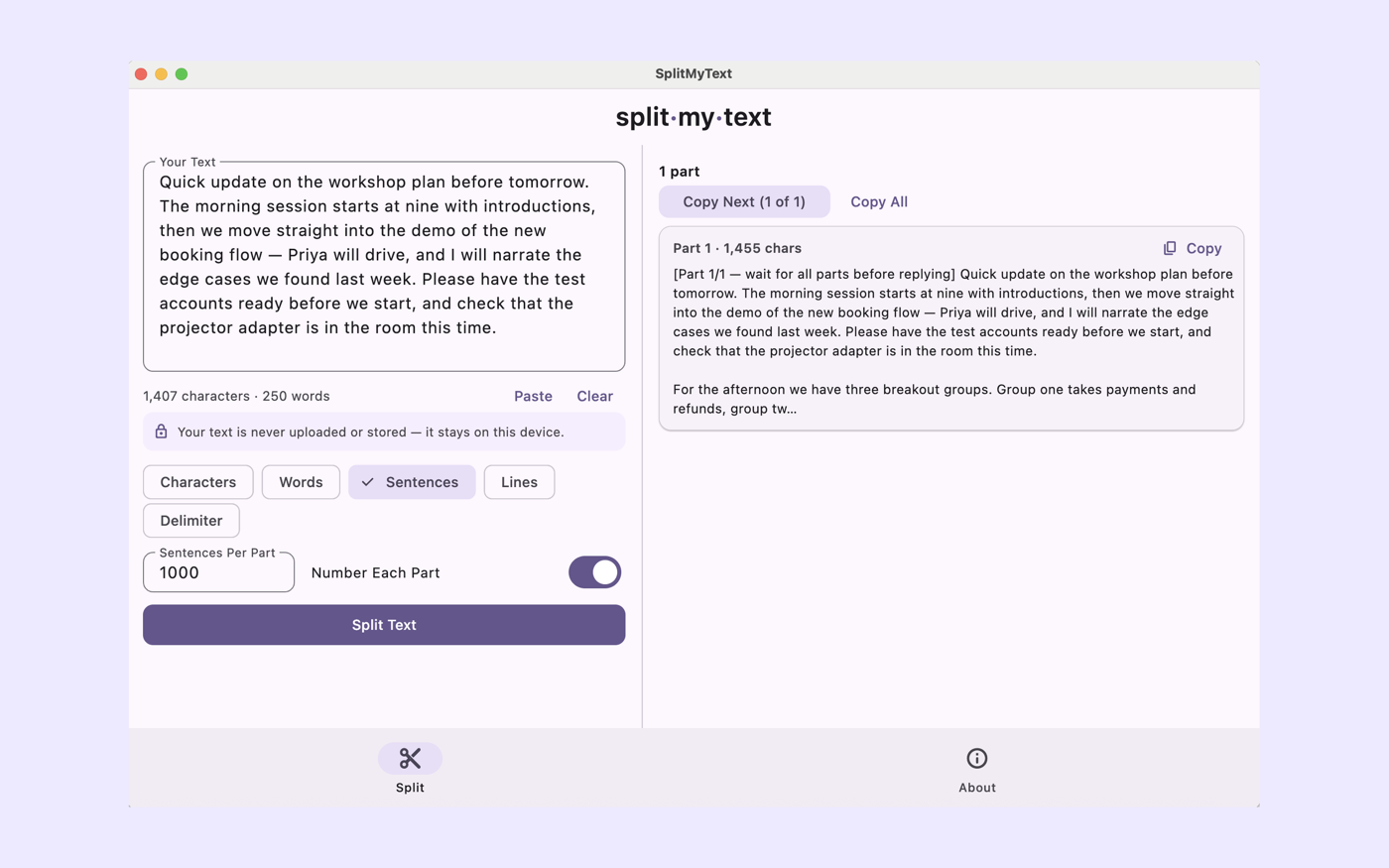
By characters, words, sentences, lines — or any delimiter you choose. The web tool only does characters.
Save your own presets
Keep the limits you use most, one tap away — plus custom part headers and overlap between parts for context.
Share straight in
Send text to SplitMyText from any app's share sheet. It lands ready to split — you choose how.
No ads
Go Pro once and the ads are gone for good, across iPhone, iPad and Mac with a single universal purchase.
A Safari extension too
The Mac app bundles a Safari extension, so the splitter is one click from any page you're reading.
Nothing leaves your device
Same promise as the website: the text you split is never uploaded or stored. It's yours, and it stays that way.
Prefer the browser?
The free web tool splits by characters right here, and the Chrome extension puts it one click from any page — no download needed.